

March 20, 2026
In
WordPress Troubleshooting
How to Fix WordPress Admin Dashboard Not Loading
Introduction
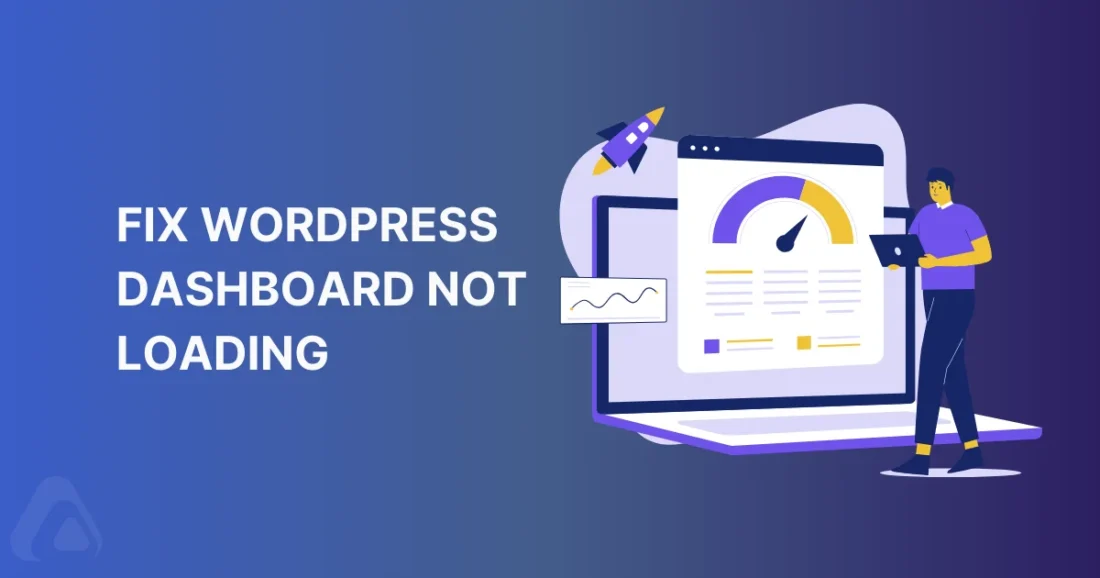
If your WordPress admin dashboard won’t load, you may see a blank page, partial loading, or errors.
Step 1: Clear Browser Cache
Clear cache and try again.
Step 2: Disable Plugins
Rename:
/wp-content/plugins
Step 3: Increase Memory Limit
Edit wp-config.php:
define('WP_MEMORY_LIMIT', '256M');
Step 4: Check Console Errors
Open browser developer tools and check for JavaScript errors.
Step 5: Switch Theme
Rename your active theme folder.
Conclusion
Dashboard issues are usually caused by plugin conflicts or memory limits.
Need help? Submit a support ticket at wpfixa.com.
- How to Fix WordPress Theme Layout Problems
 Fix WordPress theme layout problems by checking plugins, CSS, and theme settings to restore proper design.
 - How to Fix WordPress JavaScript Errors
 Learn how to fix WordPress JavaScript errors by checking console logs, plugins, and theme compatibility.
 - How to Fix WordPress CSS Not Loading Properly
 Fix WordPress CSS not loading issues by clearing cache, checking file paths, and troubleshooting plugins.
 - How to Fix WordPress Permalink Issues
 Learn how to fix WordPress permalink issues causing broken links and 404 errors using simple troubleshooting steps.
 - How to Fix WordPress Email Not Sending
 Fix WordPress email not sending issues using SMTP configuration. Learn how to send emails reliably from your WordPress site.
 - How to Fix WordPress Images Not Showing
 Learn how to fix WordPress images not showing by checking URLs, permissions, plugins, and CDN settings.