
How to Fix WordPress Theme Layout Problems
Fix WordPress theme layout problems by checking plugins, CSS, and theme settings to restore proper design.
Continue ReadingFix WordPress theme layout problems by checking plugins, CSS, and theme settings to restore proper design.
Continue ReadingLearn how to fix WordPress JavaScript errors by checking console logs, plugins, and theme compatibility.
Continue ReadingFix WordPress CSS not loading issues by clearing cache, checking file paths, and troubleshooting plugins.
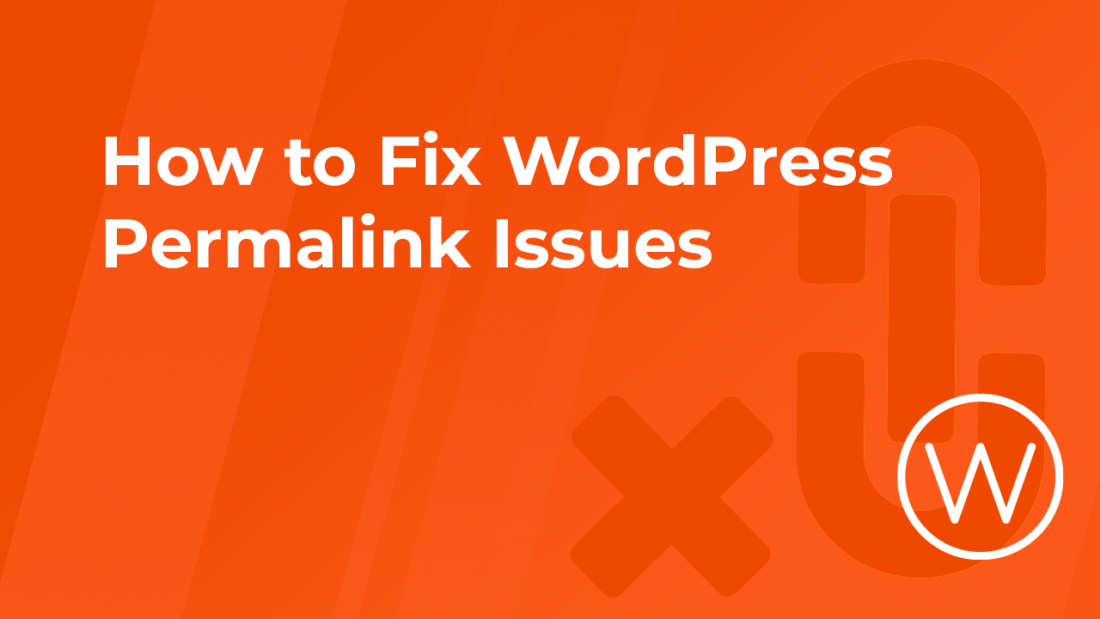
Continue ReadingLearn how to fix WordPress permalink issues causing broken links and 404 errors using simple troubleshooting steps.
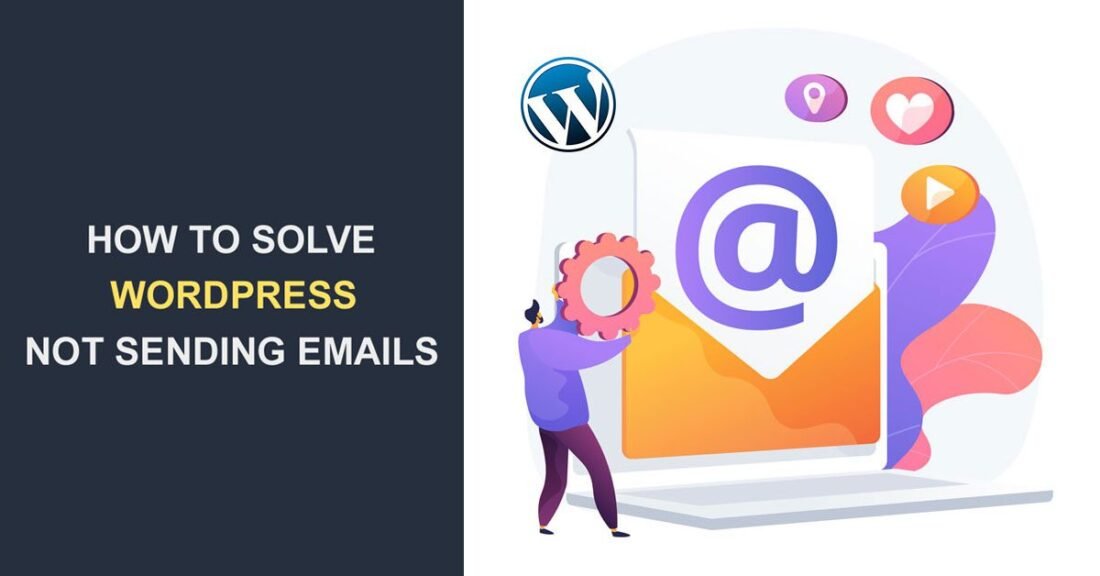
Continue ReadingFix WordPress email not sending issues using SMTP configuration. Learn how to send emails reliably from your WordPress site.
Continue ReadingLearn how to fix WordPress images not showing by checking URLs, permissions, plugins, and CDN settings.
Continue ReadingFix WordPress admin dashboard not loading issues by disabling plugins, increasing memory, and troubleshooting errors.
Continue ReadingLearn how to recover a broken WordPress site after an update using recovery mode, backups, and troubleshooting steps.
Continue ReadingLearn how to fix a WordPress site that won’t load by checking hosting, plugins, DNS, and configuration issues.
Continue ReadingPlugin conflicts are one of the most common causes of WordPress issues. They can break layouts, cause errors, or even crash your website.
Continue Reading